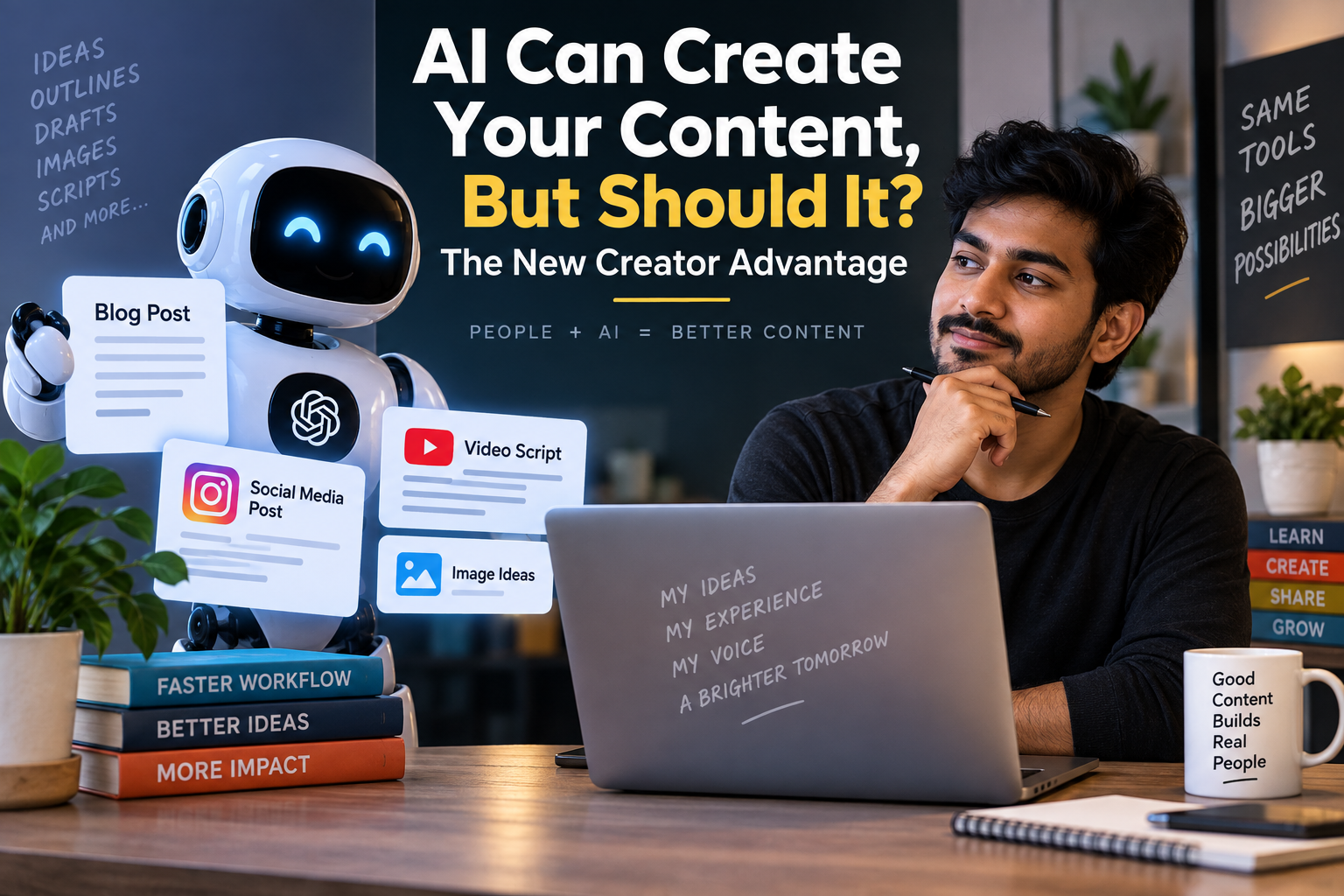
Quick answer: Yes, AI tools like ChatGPT and Claude can absolutely create your content drafts, outlines, captions, even entire blog posts in minutes. But the real advantage doesn’t come from letting AI do everything. It comes from using AI to handle the heavy lifting while you add the judgment, experience, and local context that only a human creator can bring. That combination is what I’m calling “the new creator advantage.”
I’ve been using AI writing tools daily for over a year now for client blogs, my own site, LinkedIn posts, even college assignments I helped friends structure (not write, structure big difference, more on that later). So this isn’t a theoretical take. It’s what I’ve actually seen work and fail.
Why This Question Matters Right Now
A couple of years ago, “should I use AI for content?” was a fringe question. Today, with tools like ChatGPT, Claude, Gemini, and dozens of Indian startups building AI writing assistants, it’s the opposite. The question isn’t whether AI can write your content it clearly can. The question is whether it should, and if yes, how much control you should hand over.
For Indian creators specifically students building portfolios, small business owners writing product descriptions, marketers managing five brands at once this decision has real consequences. Google’s search quality guidelines now explicitly evaluate content for “helpfulness” and originality, not just grammar and structure. Content that reads like generic AI output, with no personal experience or specific detail, tends to underperform, whether it’s flagged manually or simply ignored by readers who’ve learned to spot it.
What AI Is Genuinely Good At
Let’s be fair to the tools. In my daily workflow, AI is excellent at:
- First drafts and structure – Give ChatGPT or Claude a topic and a rough outline, and you’ll get a workable skeleton in seconds.
- Rewriting for clarity – I regularly paste my own messy paragraphs in and ask for a cleaner version.
- Idea generation – When I’m stuck on 10 blog title options or need 20 Instagram caption angles, AI saves real time.
- Summarizing research – Feeding it a long PDF or article and asking for key takeaways is genuinely useful for students and marketers alike.
- Translation and localization – For Indian creators writing in Hindi, Tamil, or Hinglish alongside English, tools like ChatGPT handle tone-shifting between languages reasonably well.
None of this is hype. These are things I use every single day, and they save hours.
Where AI Falls Short (And Why It Matters)
Here’s where I have to be honest, because a balanced view matters more than a flattering one.
1. It doesn’t have your actual experience
AI can describe how to use a tool. It cannot tell you that the tool crashed on your specific laptop, or that a particular prompt worked for your niche but not another. That first-hand detail is exactly what readers and Google’s E-E-A-T guidelines reward.
2. It can sound confidently wrong
AI models sometimes generate details, statistics, or pricing that sound plausible but aren’t accurate, especially for fast-changing things like subscription costs or feature lists. I always double-check anything numeric before publishing.
3. Generic tone kills engagement
If you don’t edit AI output, it tends to default to a certain “AI voice” overly balanced, slightly robotic, full of phrases like “in today’s fast-paced world.” Readers notice this fatigue faster than most creators realize.
4. Over-reliance weakens your own skill
This one’s personal. When I started outsourcing every first draft to AI, I noticed my own writing muscle getting lazy. Now I write a rough version myself first, then use AI to tighten it not the other way around.
The New Creator Advantage: A Practical Framework
After a lot of trial and error, here’s the workflow I actually use. I call it the 70-20-10 split.
Step 1: You bring the 70 percent the core idea
Before opening any AI tool, jot down:
- The specific experience or example you want to include
- The angle no generic article would have
- Any numbers, screenshots, or personal results you can back up
Step 2: AI handles the 20 percent structure and speed
This is where tools like Claude or ChatGPT genuinely shine. Use prompts like:
“Here’s my rough outline and key points [paste them]. Turn this into a clear, conversational blog structure with H2 and H3 headings. Don’t add any facts or statistics I haven’t given you.”
That last line matters a lot it stops the AI from inventing details.
Step 3: You do the final 10 percent the human pass
Read the output aloud. Wherever it sounds generic, replace it with your own phrasing or a specific example. This final pass is usually the difference between content that ranks and content that gets ignored.
Real Example From My Own Workflow
Last month, I was writing a comparison post between two AI writing tools for a client’s site. My first instinct was to ask ChatGPT to “compare Tool A vs Tool B.” The output was fine accurate, readable, completely forgettable.
Instead, I actually opened both tools, ran the same three prompts through each, took screenshots of the actual responses, and only then asked AI to help me structure my findings into a readable comparison. The final article performed noticeably better in reader engagement (time on page, comments) than the generic draft I’d scrapped. The difference wasn’t the writing quality it was the presence of real, verifiable experience.
Should Students Use AI for Assignments?
This deserves its own section because I get asked constantly, especially by college students.
Short answer: use AI to understand concepts, organize notes, or check grammar not to submit work you didn’t actually produce. Beyond the ethical issue, there’s a practical one: exams and interviews eventually test whether you understood the material, not whether AI did.
Should Small Business Owners Use AI for Product Descriptions?
Yes, with one caveat. AI is excellent for generating multiple description variants quickly for Amazon, Flipkart, or Shopify listings. But always fact-check dimensions, materials, and pricing details yourself AI can occasionally guess at specifics if your input wasn’t detailed enough.
A Note on Cost and Access
Most major AI tools offer a usable free tier ChatGPT’s free version and Claude’s free tier both let you experiment before paying anything. Paid tiers (roughly in the range of a mid-size OTT subscription per month, though exact pricing changes often) unlock longer outputs, faster response times, and access to more capable models. Given how often pricing and feature sets shift, it’s worth checking the official pricing page before assuming any number is current.
FAQ
Q: Will Google penalize content written with AI help? Google has stated that AI-assisted content isn’t penalized by default what matters is whether the content is genuinely helpful, original, and demonstrates real expertise or experience. Purely generic, mass-produced AI content without added value is what tends to underperform.
Q: Which is better for content writing, ChatGPT or Claude? Both are strong. In my experience, Claude tends to produce more natural, less “salesy” prose out of the box, while ChatGPT has a broader plugin and integration ecosystem. Testing both on your specific use case is more reliable than any generic ranking.
Q: Can AI completely replace a content writer? For fully generic, low-stakes content, maybe. For anything meant to build trust, rank well, or reflect a real brand voice, AI works best as an assistant, not a replacement the judgment and experience still need to come from a person.
Q: How much should I edit AI-generated content before publishing? As a rule of thumb, if you haven’t added at least one specific example, personal observation, or correction to the AI draft, it probably needs another pass before it’s ready to publish.
Your Next Step
Don’t just read about this test it. Take one piece of content you were planning to write this week. Draft your core point and one real example yourself first. Then feed it to ChatGPT or Claude using the exact prompt shared above in Step 2. Compare that hybrid draft against a fully AI-generated version of the same topic, and notice the difference yourself. That comparison, more than anything I can tell you here, will show you where the real creator advantage lies.