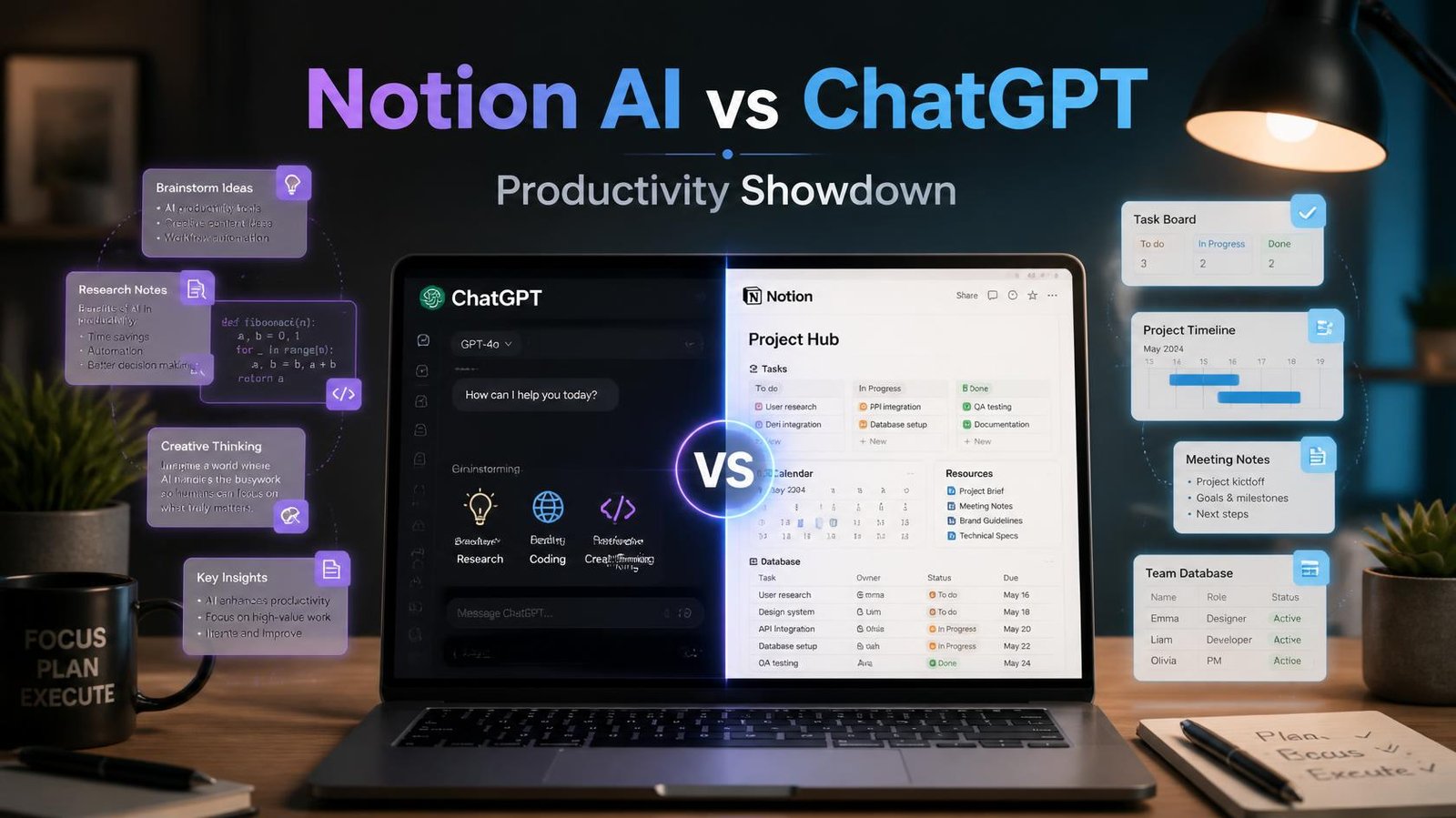
If you have spent any time on Indian Twitter or LinkedIn lately, you have probably seen someone arguing about which AI tool actually makes them more productive. Notion AI and ChatGPT keep coming up in the same breath, but they are not really built for the same job. In short: ChatGPT is a general-purpose thinking partner you open in a separate tab, while Notion AI lives inside your notes and docs and helps you write, summarize, and organize without ever leaving your workspace. Which one wins depends entirely on how you already work.
I have been using both tools daily for over a year now one for planning content calendars and client notes, the other for research, brainstorming, and code help. This article is less “which tool is objectively better” and more “which tool fits your actual workflow,” because that is the question that matters.
What Is Notion AI, Really?
Notion AI is an add-on built directly into the Notion workspace app. If you already use Notion for notes, project tracking, or a personal wiki, Notion AI shows up as a small sparkle icon inside your pages. You can highlight text and ask it to rewrite, summarize, translate, or fix grammar, or you can type a slash command to generate a first draft from scratch.
The biggest thing that sets it apart is context. Because it sits inside your existing pages, it can see the notes, tables, and databases you have already built. Ask it to summarize a meeting note, and it works with the actual text sitting in front of it, not something you have to copy-paste in.
Where Notion AI Shines
- Summarizing long meeting notes or research pages into short bullet points
- Turning rough, half-formed notes into a clean first draft
- Auto-filling database properties, like tagging a task list by priority
- Translating or rewriting content while keeping formatting intact
- Q&A search across your own Notion workspace using Notion Q&A
Where It Falls Short
Notion AI is not a general knowledge engine in the way ChatGPT is. It is not designed for deep multi-step reasoning, coding help, or long creative brainstorming sessions. It also depends heavily on how organized your Notion workspace already is feed it a messy, disconnected set of pages, and the output quality drops noticeably.
What Is ChatGPT, Really?
ChatGPT, built by OpenAI, is a standalone conversational AI you access through its own app or website. It is not tied to any particular workspace or document tool, which makes it flexible but also means you are usually copying content in and out of it manually.
Where ChatGPT genuinely stands out is depth of reasoning. It is good at working through a problem step by step, writing and debugging code, explaining a concept from three different angles until it clicks, or acting as a brainstorming partner for a business idea you have not fully thought through yet.
Where ChatGPT Shines
- Long, open-ended brainstorming and ideation
- Coding help, debugging, and explaining technical concepts
- Research summaries pulled from a wide general knowledge base
- Drafting content from scratch when you have no existing notes to work from
- Custom GPTs and plugins for specific repeated workflows
Where It Falls Short
ChatGPT has no built-in memory of your project files unless you manually upload them each time (or use features like Projects, which have their own limits). This means more copy-pasting and more context you need to re-explain in every session. It also is not built for organizing information long-term the way a notes app is.
A Real Example: Planning a Content Calendar
Here is a walkthrough from something I actually do every month.
Step 1: I open ChatGPT and ask it to brainstorm 20 blog topic ideas around a theme, say “AI tools for Indian small businesses.” I ask follow-up questions to narrow it down to eight solid topics with a one-line angle for each.
Step 2: I paste the final eight topics into a Notion database with columns for status, deadline, and assigned writer.
Step 3: Inside Notion, I use Notion AI to expand each topic line into a rough three-point outline, right inside the database entry, so everything stays in one place.
Step 4: When it’s time to actually write, I go back to ChatGPT for the heavier drafting and research, then paste the final draft back into Notion for formatting, tagging, and publishing tracking.
Notice the pattern: ChatGPT for the thinking-heavy, open-ended parts. Notion AI for the organizing, summarizing, and keeping-it-all-together parts. Trying to force one tool to do the other’s job usually means more friction, not less.
Pricing Snapshot (Subject to Change)
Both tools offer free tiers with paid upgrades, and pricing structures shift fairly often, so always check the official pricing page before deciding.
- ChatGPT offers a free tier with a capable model, and paid plans (Plus and above) that unlock faster responses, higher usage limits, and more advanced models.
- Notion AI is typically offered as an add-on to a Notion workspace subscription, billed per member, on top of whatever Notion plan (Free, Plus, Business) you are already using.
If you are a student or solo creator on a tight budget, this pricing structure matters. Paying for Notion AI only makes sense if you are already deep into the Notion ecosystem for your notes and project management.
Which One Should You Actually Use?
Honestly, for most Indian users students juggling assignments, marketers managing campaigns, small business owners wearing ten hats the realistic answer is both, used for different jobs.
- Choose ChatGPT when you need to think through something from zero, get coding help, or explore an idea with back-and-forth conversation.
- Choose Notion AI when you already have notes, documents, or databases and just need to clean them up, summarize them, or generate content that fits into your existing system.
If you had to pick only one because of budget, ask yourself honestly: do I spend more time researching and brainstorming, or organizing and documenting? That answer will point you in the right direction.
Limitations Worth Knowing
No AI tool is perfect, and it is worth being upfront about that. Both tools can occasionally produce inaccurate information, especially around very recent events or niche factual details, so always double-check anything important before publishing or sharing it. Both tools also change frequently new models, new pricing tiers, new features get rolled out often enough that specifics in any article, including this one, can go stale within months. Treat this as a starting framework, not a permanent verdict.
FAQ
Is Notion AI better than ChatGPT for writing? Not necessarily better, just different. Notion AI is better when you are writing inside an existing document or database and want the output to stay organized. ChatGPT is better for writing from a completely blank page with deeper back-and-forth refinement.
Can I use Notion AI without a Notion subscription? Notion AI is an add-on to your Notion workspace, so you need an active Notion account. It is not available as a separate standalone app the way ChatGPT is.
Is ChatGPT free to use? Yes, ChatGPT has a free tier that covers most everyday tasks. Paid plans add extra usage limits and access to more advanced models, which matters if you use it heavily every day.
Which tool is better for students? Most students will get more day-to-day value from ChatGPT for research, explanations, and assignment brainstorming, since it does not require a workspace setup. Notion AI becomes useful once you start organizing notes and projects long-term inside Notion.
Try This Next
Pick one real task you already have on your plate this week a report, an assignment, a content plan, anything. Run it through ChatGPT first for the brainstorming and drafting stage, then move the output into Notion and try Notion AI’s summarize or “improve writing” command on it. Compare how each stage felt. That fifteen-minute test will tell you more about which tool fits your workflow than any comparison article, including this one.