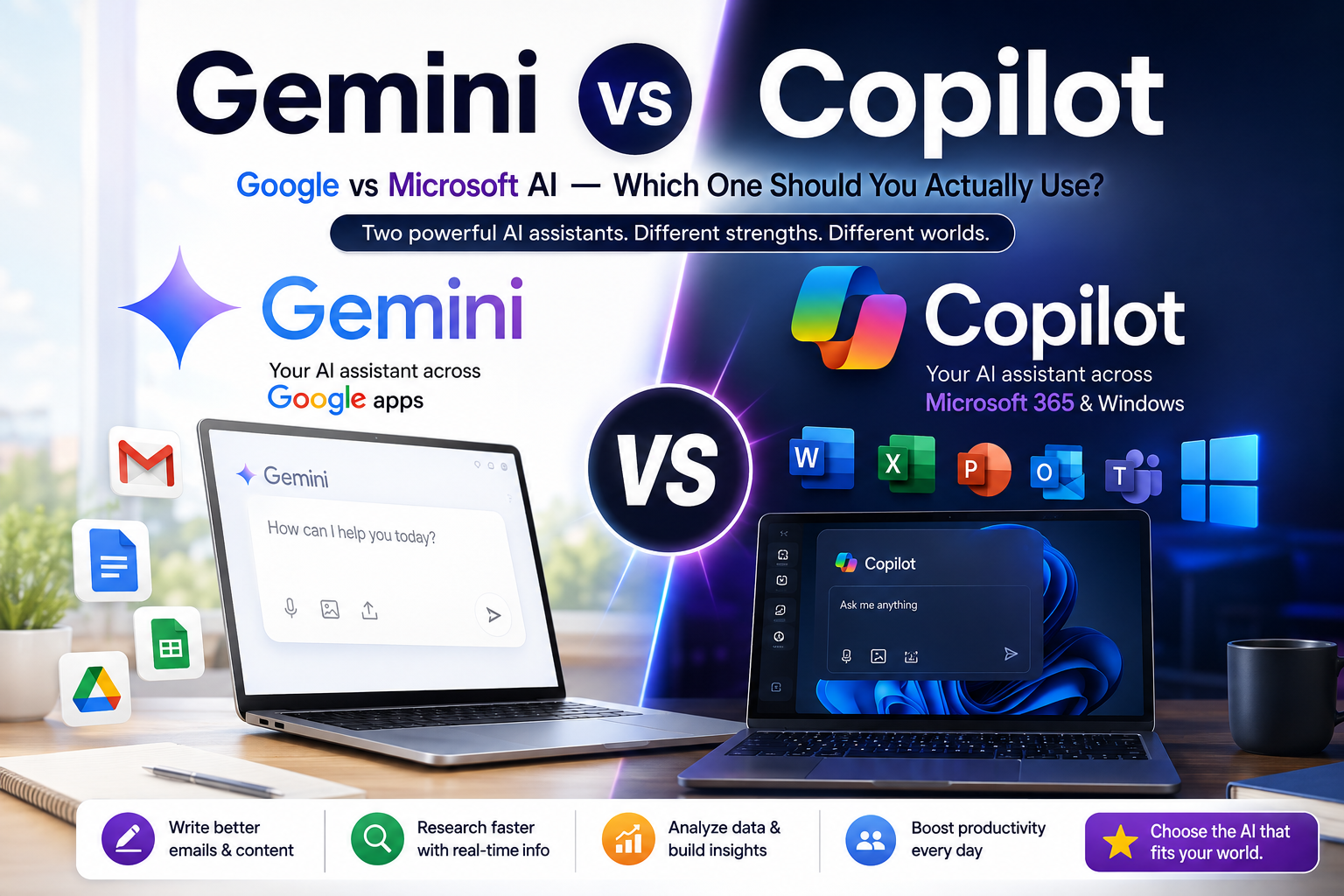
If you have been using both Google and Microsoft products for work or study, you have probably typed the same question into two different AI boxes on the same day Gemini inside Gmail or Docs, and Copilot inside Word or Windows. I do this more often than I would like to admit, and after months of switching between the two for client work, college assignments, and random late-night research, I finally sat down to write out what I actually think.
Quick answer: Gemini is the stronger pick if you live in Google’s world Gmail, Docs, Sheets, Android and want a genuinely capable free-tier assistant. Copilot makes more sense if your work already runs on Microsoft 365, Windows, and Outlook, since it slots directly into Word, Excel, and Teams. Neither is objectively “better” in every situation; it comes down to which ecosystem you already live in and how deep your budget goes.
In this article, I will walk through both tools the way I actually use them not just a features table, but real workflows, pricing as it stands today, and where each one falls short.
What Is Gemini, Exactly?
Gemini is Google’s family of AI models, and also the name of the chat assistant that sits on top of them. You will find Gemini baked into Gmail (as “Help me write”), Google Docs and Sheets, Google Photos, Android phones, and as a standalone app and website at gemini.google.com.
There are a few underlying model sizes a lightweight “Flash” version built for speed and everyday tasks, and a heavier “Pro” version meant for more complex reasoning, longer documents, and research-style questions. Google keeps updating these version numbers fairly often, so do not be surprised if the exact model name has changed by the time you read this.
What Is Copilot, Exactly?
Copilot is Microsoft’s AI assistant, built on OpenAI’s models and layered across Windows, Edge, Bing, and the Microsoft 365 apps Word, Excel, PowerPoint, Outlook, and Teams. There is a free version anyone with a Microsoft account can use in the Copilot app or Edge sidebar, and a paid tier that unlocks deeper integration with your actual files and inbox.
The big difference in how Copilot is sold: Microsoft has moved a lot of its “Copilot Pro” style features for individuals into Microsoft 365 Premium, while the business version Microsoft 365 Copilot is sold separately on top of an existing Microsoft 365 subscription. It is a slightly more layered pricing structure than Gemini’s, and worth reading twice before you subscribe.
My Real-World Workflow With Both
Here is roughly how I split my week between the two, which might help you picture where each one fits.
Where I Reach for Gemini
- Drafting and rewriting emails in Gmail. The “Help me write” feature genuinely saves time for routine client replies. I write two bullet points, and it turns them into a full email I then edit down.
- Summarizing long Google Docs. If a client sends over a 20-page brief shared as a Doc, I ask Gemini to pull out the key deliverables and deadlines before I read the whole thing.
- Quick research with Google Search grounding. Since Gemini can pull in current web results, I use it for “what changed recently” type questions, though I still double-check anything that looks like a specific number or date.
- Google Sheets formula help. Asking Gemini to explain or fix a broken formula usually gets me unstuck faster than searching a forum.
Where I Reach for Copilot
- Cleaning up Excel sheets. When a client sends a messy spreadsheet with mixed formatting, Copilot inside Excel can suggest a pivot table or highlight inconsistent data without me switching tabs.
- First drafts of Word documents. For proposals and reports that need to look like a “proper” Word file with headings and structure, Copilot inside Word keeps everything in the same formatting I need.
- Summarizing Teams meetings. If your organisation has the paid Microsoft 365 Copilot, meeting recap and action-item extraction from Teams calls is one of its most genuinely useful features.
- Windows and Edge quick tasks. For things like “summarize this webpage” or “rewrite this paragraph,” the Copilot sidebar in Edge is convenient because it is always one click away.
Step-by-Step: Testing Both on the Same Task
To keep this fair, here is a simple exercise you can try yourself in about ten minutes.
- Pick a short business email you need to write say, following up with a vendor about a delayed shipment.
- Open Gemini (gemini.google.com or inside Gmail) and prompt it: “Write a polite but firm follow-up email about a delayed shipment, keep it under 120 words.”
- Open Copilot (copilot.microsoft.com or inside Word) and give it the exact same prompt.
- Compare tone, length control, and how much editing each draft actually needs.
- Now ask both to “make it more casual” as a follow-up prompt, and see which one adjusts the tone more naturally without losing the original message.
In my own testing, both tools handle this kind of short-form writing well. Gemini tends to be slightly more concise by default, while Copilot’s Word-integrated version tends to format things bullet points, bold text a bit more aggressively, which is useful if you are producing a document but occasionally excessive for a plain email.
Pricing Compared (As of 2026)
Pricing on both sides has shifted more than once this year, so treat these as a general shape rather than numbers to quote elsewhere — always check the official pricing pages before you subscribe.
Google Gemini:
- Free tier with everyday access and daily limits.
- A mid-tier “AI Plus” style plan aimed at individuals wanting more headroom.
- Google AI Pro, roughly around 1,600 rupees a month when converted, unlocking the more capable Pro model, Deep Research, and higher usage caps this has historically sat near $19.99/month.
- A higher “Ultra” tier for power users who need the most compute-heavy models and the largest usage limits.
- Gemini is also bundled into Google Workspace business plans at no extra line-item cost.
Microsoft Copilot:
- Free tier available to anyone with a Microsoft account, through the Copilot app, Edge, and Bing.
- Microsoft 365 Premium, the consumer plan that folded in most of what used to be sold separately as “Copilot Pro,” priced close to $19.99/month.
- Microsoft 365 Copilot for businesses, sold as an add-on on top of an existing Microsoft 365 subscription, generally in the $18–$30 per user, per month range depending on annual versus monthly billing and any active promotions.
- A separate Copilot Studio option for building custom AI agents, priced on a credit-pack basis for developers and IT teams.
For Indian users specifically, remember that both are billed in dollars and converted at the prevailing exchange rate unless you are on a regional or Workspace/Microsoft 365 bundle already billed in rupees. If you are a student or a solo creator just starting out, the free tiers of both tools are genuinely usable for day-to-day writing, research, and light coding help you do not need to pay immediately.
Honest Limitations of Each
No AI tool is perfect, and I would be doing you a disservice if I only listed the good parts.
Gemini’s limitations:
- Occasionally over-formats responses with headers and bullet points even for casual questions.
- Deep integration features (like Deep Research) are mostly locked behind the paid tier.
- Image and video generation quality, while improving, can still be inconsistent for detailed or text-heavy visuals.
Copilot’s limitations:
- The pricing structure is genuinely confusing figuring out whether you need Copilot Pro, Microsoft 365 Premium, or the Business add-on takes real research.
- Free Copilot Chat does not access your personal files, emails, or calendar for that, you need a paid, licensed tier.
- Performance and features can vary depending on which Microsoft 365 app you are inside, since integration depth is not identical across Word, Excel, and Outlook.
Both companies update models, pricing, and feature names frequently, so something that is true today may shift within a few months. It is worth re-checking the official pages every time you are about to commit to a paid plan.
Gemini vs Copilot: Quick Comparison
| Factor | Gemini | Copilot |
|---|---|---|
| Best for | Google Workspace users (Gmail, Docs, Sheets) | Microsoft 365 users (Word, Excel, Outlook) |
| Free tier | Yes, generous daily use | Yes, but limited to public web data |
| Deepest integration | Google apps and Android | Windows, Edge, and Office apps |
| Entry paid plan | Around $19.99/month (AI Pro) | Around $19.99/month (Microsoft 365 Premium) |
| Business version | Bundled into Google Workspace | Sold as an add-on to Microsoft 365 |
| Strength | Search-grounded answers, Sheets/Docs help | Document formatting, Excel and Teams workflows |
Frequently Asked Questions
Is Gemini better than Copilot for students in India? For most students, Gemini’s free tier tends to edge ahead because it is tightly built into Gmail and Google Docs, which most colleges already use. That said, if your coursework revolves around Excel and Word specifically, Copilot’s free tier through Edge and the Copilot app is equally worth trying before you decide.
Can I use both Gemini and Copilot together? Yes, and honestly a lot of professionals do exactly this. There is no rule against using Gemini for Google-based tasks and Copilot for Microsoft-based ones — many small business owners and marketers I know switch between the two depending on which app they are already working in.
Is Copilot Pro still available separately? Microsoft has been folding standalone Copilot Pro into Microsoft 365 Premium for individual users through 2025 and into 2026. If you are subscribing fresh today, check the official Microsoft pricing page, since the standalone plan may no longer be the default option offered.
Which one is cheaper for a small business in India? It depends on what you already pay for. If your team already runs on Google Workspace, Gemini is effectively bundled in at a lower marginal cost. If your team is already on Microsoft 365, adding the Copilot business add-on may work out cheaper than paying for both a Workspace and a Microsoft 365 subscription just to get AI features.
What I’d Do Next If I Were You
Do not just take my word for it the real test is your own workflow, not mine. Pick one real task you did this week an email, a spreadsheet cleanup, a document summary and run it through both Gemini’s free tier and Copilot’s free tier back to back. Note which one needed less editing and which one fit into your existing apps without extra copy-pasting. That ten-minute test will tell you more than any comparison article, including this one.
If you want to go a step further, try the exact same prompt on Claude or ChatGPT as a third data point comparing three tools on one real task is the fastest way to figure out which assistant actually fits how you work, rather than which one has the flashier marketing page.
— Sujith