If you’ve been anywhere near Twitter, LinkedIn, or a college WhatsApp group in the last year, you already know the AI tool space is moving faster than most of us can keep up with. New apps launch every week, half of them get abandoned in three months, and the other half quietly become part of your daily workflow without you even noticing.
I’m Sujith Ebinesar, and I spend a good chunk of my working day testing, breaking, and occasionally falling in love with AI tools some for client work, some just out of curiosity. This list is not a random scrape of “best AI tools” roundups you’ll find everywhere else. It’s built from tools I’ve actually opened, used, and in some cases uninstalled after a frustrating afternoon.
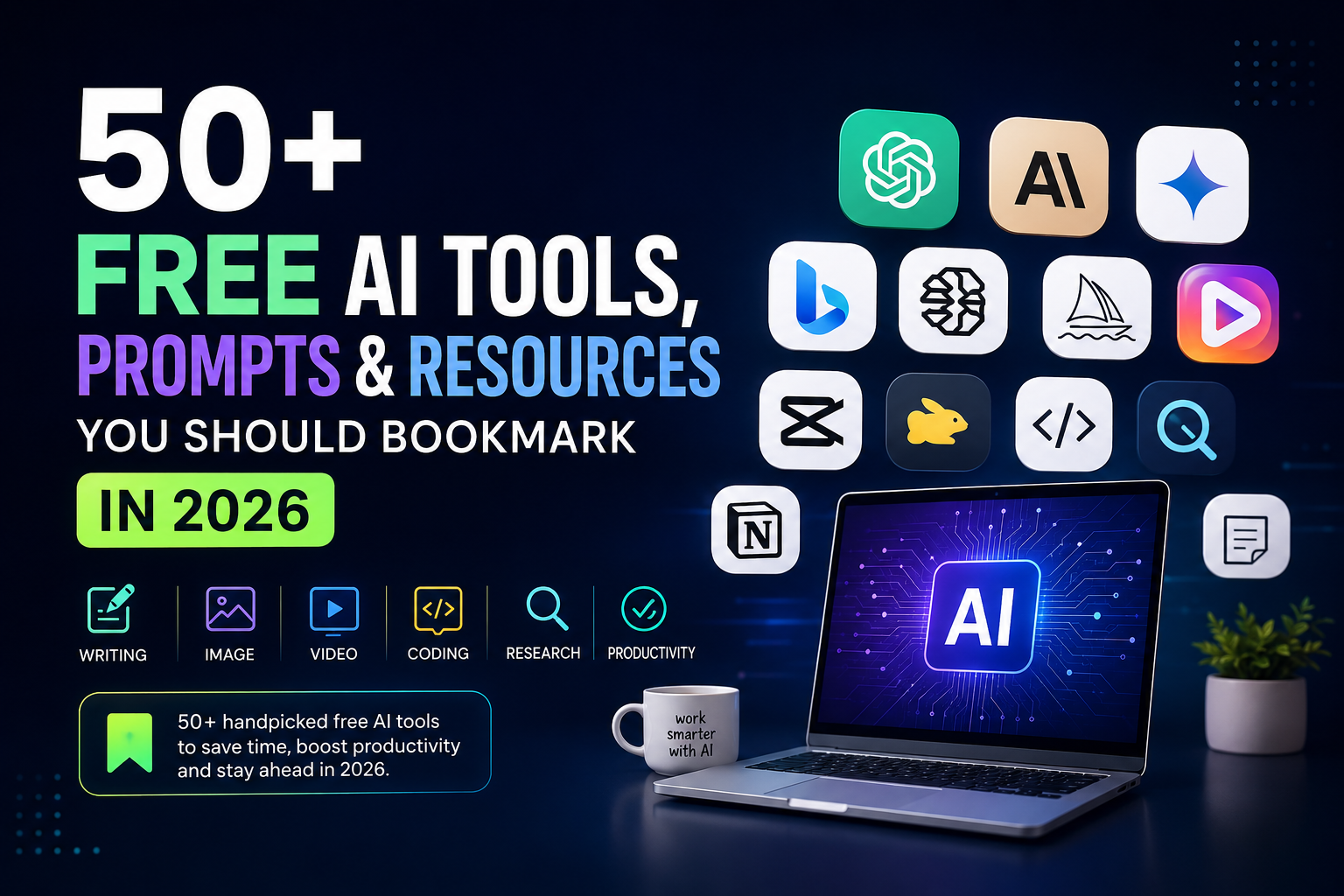
Quick answer: The best free AI tools to bookmark in 2026 span writing (ChatGPT free tier, Claude free tier, Gemini), image generation (Bing Image Creator, Ideogram, Leonardo AI free credits), video (CapCut AI, Pika), coding (GitHub Copilot free tier, Claude in coding assistants), research (Perplexity, NotebookLM), and productivity (Notion AI trial, Google’s built-in AI features). Below, I’ve grouped 50+ of them by use case so you can actually find what’s useful instead of scrolling through another generic listicle.
Why This List Matters for Indian Users Specifically
A lot of “best AI tools” articles are written for a US audience and don’t account for things that matter here rupee pricing, UPI payment support, data caps on mobile plans, and whether a tool even works well with Hinglish or regional language prompts. I’ve tried to flag this wherever it’s relevant.
Also worth saying upfront: free tiers change constantly. A tool that gave you 50 free generations last month might drop to 20 next month. Treat every “free” mention here as “free at the time of testing” rather than a permanent promise.
Writing & Content Generation Tools
1. ChatGPT (Free Tier)
Still the default starting point for most people. The free tier now runs on a capable model with reasonable daily limits. Good for drafting emails, blog outlines, and quick brainstorming. Limitation: during peak hours, free users sometimes get routed to a lighter model, so output quality can dip slightly.
2. Claude (Free Tier)
I use Claude daily for longer writing tasks it tends to hold context better across a long document and is less prone to that overly “enthusiastic AI” tone. The free tier has a message cap that resets periodically, which is the main constraint if you’re doing heavy daily use.
3. Google Gemini
Tightly integrated with Gmail, Docs, and Search, which makes it genuinely useful if your workflow already lives in Google Workspace. The free tier is generous for casual use.
4. Microsoft Copilot (Free in Edge/Bing)
If you’re already on Windows, this is baked in and free to use without a separate login in many cases. Handy for quick research-and-write tasks inside the browser.
5. QuillBot (Free Plan)
Best for paraphrasing and grammar cleanup, especially useful for students polishing assignment language. Free plan has word limits per rewrite.
6. Grammarly (Free Plan)
Still one of the most reliable free grammar checkers. Not “AI-flashy” but genuinely useful for daily writing.
7–10: Notion AI (trial credits), Copy.ai (free tier), Rytr (free word limit), and Google Docs’ built-in Help Me Write feature round out this category well for short-form marketing copy and social captions.
Image Generation Tools
11. Bing Image Creator (Powered by DALL-E)
Free with a Microsoft account, decent daily “boost” credits for faster generation. Good starting point if you’ve never tried AI image generation.
12. Ideogram
Genuinely strong at rendering readable text inside images something most image generators still struggle with. Free tier available with daily generation limits.
13. Leonardo AI
Free daily credits, useful for product mockups and concept art. The interface has a slight learning curve compared to Bing.
14. Adobe Firefly (Free Tier)
If you’re already using Canva or Adobe products, Firefly integrates smoothly and is trained to avoid obvious copyright issues, which matters if you’re creating commercial content.
15–20: Playground AI, Canva’s built-in AI image tools, Craiyon (fully free, lower quality), Picsart AI, Fotor AI, and Microsoft Designer all offer no-cost entry points depending on whether you want speed, quality, or design-template integration.
Video & Audio Tools
21. CapCut (AI Features Free)
Massively popular among Indian creators for a reason auto-captions, background removal, and AI voice tools are free within the app, with premium effects gated behind a subscription.
22. Pika
Text-to-video generation with a usable free tier for short clips. Still early-stage tech, so expect glitchy results on complex prompts.
23. ElevenLabs (Free Voice Generation)
Free character limit per month for AI voiceovers. Quality is impressively natural, which is also why you should always disclose AI-generated voice content where relevant.
24. Google’s Vids and NotebookLM’s Audio Overview
NotebookLM’s feature that turns your documents into a podcast-style audio discussion is genuinely one of the more creative free AI features released recently worth trying with your own notes or a PDF you’re studying.
25–28: Descript (free tier for transcription and basic editing), Kapwing, Veed.io, and OpenAI’s Whisper (free, open-source, self-hosted) cover transcription and subtitle work well.
Research & Study Tools
29. Perplexity AI (Free Tier)
My go-to when I need something researched with sources attached rather than a confident-sounding but unverified answer. Free tier covers most casual research needs.
30. NotebookLM
Upload your own PDFs, lecture notes, or research papers, and it answers questions strictly from that material. Excellent for exam prep since it won’t hallucinate facts outside your uploaded sources a common complaint students have about general chatbots.
31. Google Scholar (Free, Not AI But Essential)
Not AI-powered itself, but pairs perfectly with NotebookLM or Claude for verifying academic claims before you cite them.
32–35: Consensus (AI-powered research paper summaries, limited free searches), Elicit, Semantic Scholar, and ResearchGate’s AI-assisted recommendations help narrow down credible academic sources quickly.
Coding & Developer Tools
36. GitHub Copilot (Free Tier for Individuals)
GitHub now offers a limited free tier for individual developers, which is enough to get a feel for AI pair-programming before committing to a paid plan.
37. Claude and ChatGPT for Debugging
Pasting error messages into Claude or ChatGPT’s free tier and asking for a plain-language explanation has saved me hours compared to sifting through Stack Overflow threads.
38. Replit’s AI Features (Free Tier)
Good for beginners who want to write and run code in-browser without setting up a local environment.
39–42: CodeWhisperer alternatives, Tabnine’s free plan, Cursor’s free tier, and Google Colab (free GPU access for small ML experiments) round out a solid free developer toolkit.
Productivity & Business Tools
43. Otter.ai (Free Tier)
Free monthly transcription minutes for meeting notes useful for small business owners who can’t justify a paid transcription service yet.
44. HubSpot’s Free AI Tools
Includes free email subject line generators and basic content tools, useful for small marketing teams.
45. Canva’s Magic Studio (Free Tier)
Covers background removal, text-to-image, and basic video editing under one free plan, which is efficient if you don’t want to juggle five different apps.
46–50: Zapier’s free automation tier (with AI-assisted workflow suggestions), Google’s AI-powered Sheets formula suggestions, Meta AI (free within WhatsApp and Instagram, useful for quick queries without switching apps), Bard-era Gemini extensions, and Slidesgo’s AI presentation generator (free tier) complete this section.
Bonus: Prompt Resources Worth Bookmarking
Beyond tools, a few free prompt libraries and guides are worth saving:
- Anthropic’s own prompt engineering documentation – genuinely useful even if you’re not a developer, since it explains why certain prompt structures work better than others.
- OpenAI’s prompt examples page – a good reference for structuring prompts for specific tasks like summarization or classification.
- Reddit communities like r/PromptEngineering – messy but occasionally full of genuinely creative prompt ideas from real users.
A Practical Prompt You Can Try Right Now
Here’s a simple one I use often when starting a blog draft, which you can paste into any chatbot’s free tier:
“Act as a content strategist. I’m writing about [your topic] for [your audience]. Give me a 5-point outline covering what this audience actually wants to know, not generic filler points. Keep each point to one line.”
It forces the AI to think in terms of audience needs rather than generic structure, which usually gives a more useful starting point than a plain “write an outline about X.”
Limitations You Should Keep in Mind
No free AI tool is perfect, and it’s worth being honest about that:
- Free tiers often have daily or monthly caps that reset without much warning.
- Output quality on free tiers can sometimes be lower than paid tiers, especially during high-traffic periods.
- Always fact-check anything AI-generated before publishing or submitting it, particularly names, dates, and statistics.
- Data privacy varies by tool avoid pasting sensitive personal or business information into any free AI tool unless you’ve checked its privacy policy.
FAQ
Are these AI tools really free, or is there a hidden catch? Most offer a genuine free tier with usage limits, not a disguised trial. A few, like Craiyon or Whisper, are free with no login required at all. Always check the current pricing page since limits and plans shift over time.
Which free AI tool is best for Indian students specifically? NotebookLM for exam-focused study from your own notes, combined with Claude or ChatGPT’s free tier for explaining difficult concepts in simpler language, covers most student needs without spending anything.
Can I use these tools for commercial content without copyright issues? Tools like Adobe Firefly are specifically designed with commercial-safe training data in mind. For others, check the individual tool’s terms of use before using outputs commercially, since policies differ significantly between platforms.
How often should I revisit a list like this? Every few months at minimum. AI tools evolve quickly, free tier limits change, and new tools regularly outpace older ones on features or pricing.
Your Next Step
Don’t try to adopt all 50 tools this week that’s a fast way to burn out and use none of them properly. Pick one tool from a category you actually need right now, whether that’s NotebookLM for studying or CapCut for your next reel, and test its free tier on a real task today. Once it earns a spot in your routine, come back and pick the next one.